
Patient registration
Role-based workflows, searchable records, approvals and management reporting are configured around this module.
No matching software. Try a different keyword.
Connect care to billing.
Bring patient services and departmental records together so management can follow the work delivered and the charges raised. Coordinate the clinic from appointments through consultation, laboratory, pharmacy and admissions.
Create a coordinated healthcare workflow that improves patient service, protects information and gives management reliable operational insight.
Connect care to billing.
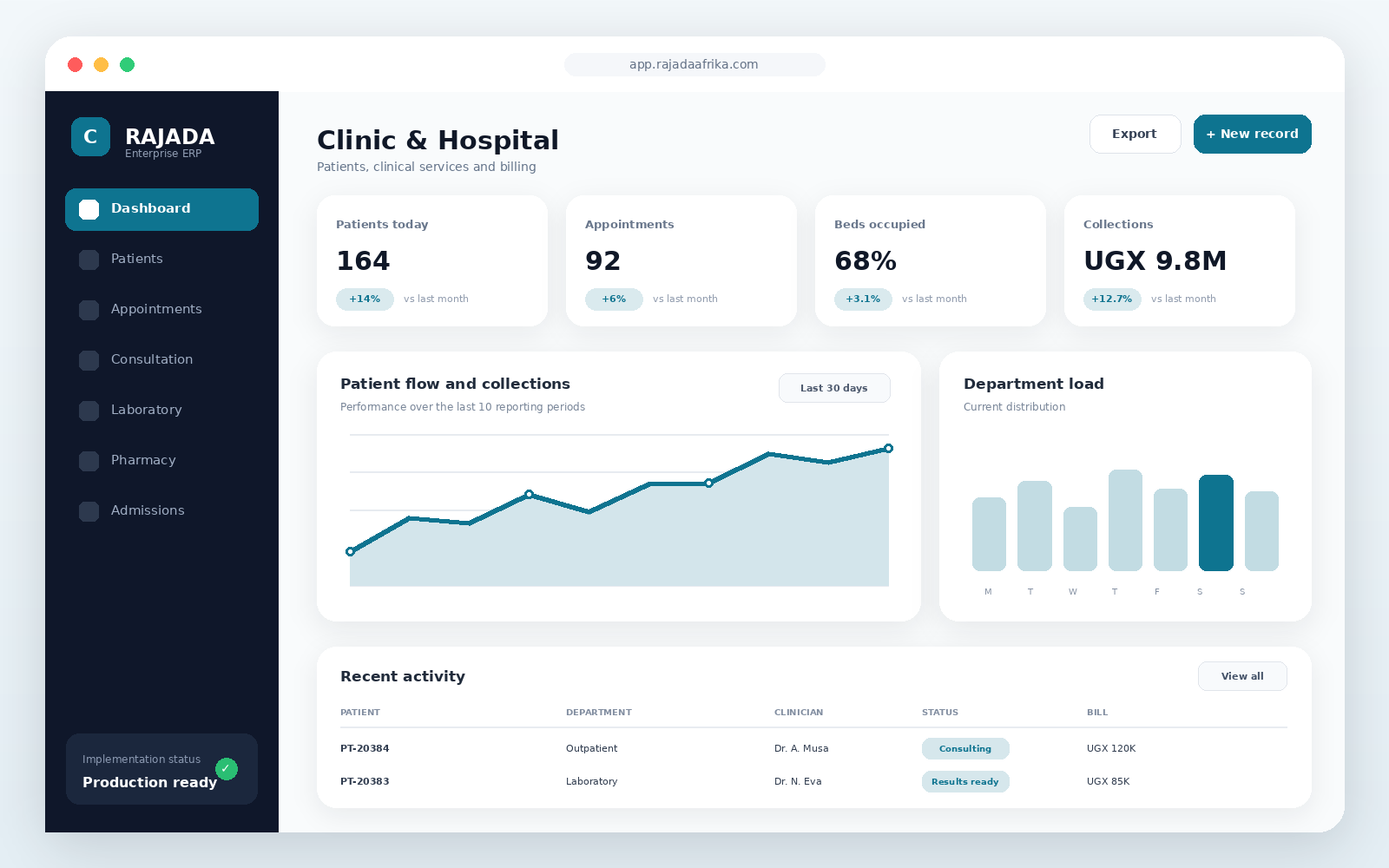 Open full-size preview ↗
Connect consultations, laboratory and pharmacy with billing
Review departmental activity and healthcare reports
Coordinate appointments and patient registration
Keep consultation notes in the patient record
Manage admissions and ward workflows
Follow services across departments using shared records
Coordinate patient journeys
Improve clinical visibility
Unify billing and departmental reporting
Clinics, medical centres and hospitals
Role-based workflows, searchable records, approvals and management reporting are configured around this module.
Role-based workflows, searchable records, approvals and management reporting are configured around this module.
Role-based workflows, searchable records, approvals and management reporting are configured around this module.
Role-based workflows, searchable records, approvals and management reporting are configured around this module.
Role-based workflows, searchable records, approvals and management reporting are configured around this module.
Role-based workflows, searchable records, approvals and management reporting are configured around this module.
Implementation, training and ongoing support
Discuss implementationPatient registration and appointments
Consultation, diagnosis and clinical notes
Laboratory, pharmacy and billing integration
Admissions, wards and healthcare reporting
Choose a deployment approach that matches your infrastructure, security, integration and support requirements.
Final pricing depends on users, branches, modules, integrations, data migration and deployment.
For a single location and a small team
Request quotationFor growing operations with multiple users
Request quotationFor branches, integrations and custom workflows
Request quotationYes. Workflows, reports, permissions, branding and integrations can be configured for your organization.
Yes. Cloud, private-cloud and on-premise deployment options are supported.
Implementation can include data setup, administrator training, user training and post-launch support.
Customer comments are submitted into a moderation queue. Only approved reviews are shown publicly.
These FAQs are centrally managed and may apply to this product or the complete marketplace.
Browse by industry, review modules and videos, then use the solution builder to submit your selected products, users, branches and implementation requirements.
Yes. Workflows, roles, permissions, documents, reports, integrations and deployment options can be configured during implementation.
Deployment options depend on the selected product and implementation scope. The product page lists supported environments and the quotation confirms the final architecture.
The implementation plan can include hypercare, ongoing support, updates, monitoring, user onboarding and continuous improvement reviews.