
Quotations
Role-based workflows, searchable records, approvals and management reporting are configured around this module.
No matching software. Try a different keyword.
Grow sales with credit in view.
Understand the cash tied up in stock and customer accounts. Manage bulk selling, customer pricing and credit exposure while reviewing margins, collections and supplier purchases.
Support high-volume B2B trade with customer-specific price lists, order fulfilment, collections, supplier purchasing and profitability reporting.
Username / email: demo
Password: RajadaDemo2026!
Grow sales with credit in view.
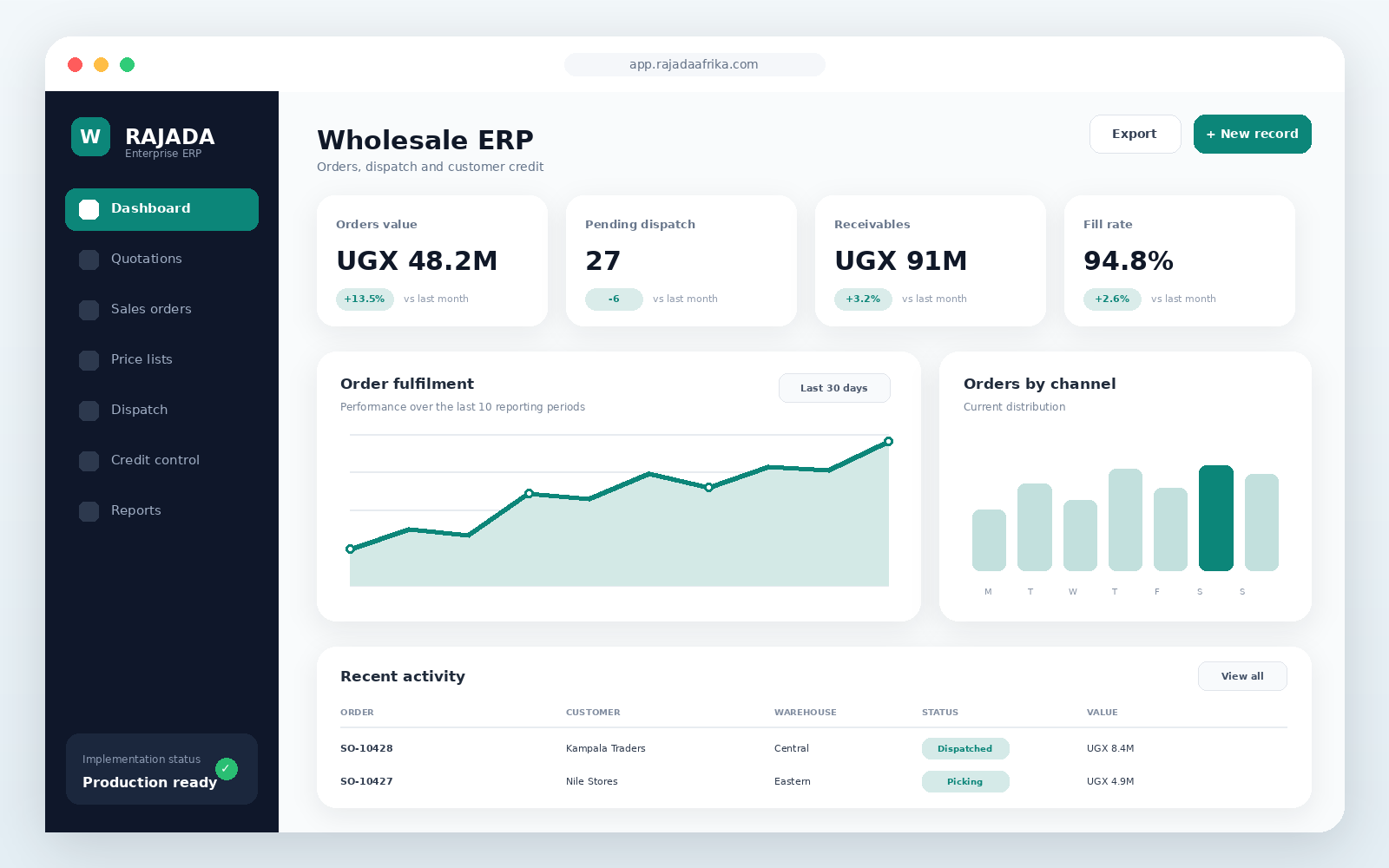 Open full-size preview ↗
Track customer balances and debt collections
Review credit limits before extending more credit
Apply customer price lists to bulk orders
Review sales, cost of goods and gross profit
Monitor stock value, purchases and transfers
Connect dispatch records with orders and accounts
demo RajadaDemo2026!Control customer credit
Improve order fulfilment
Track warehouse profitability
Distributors, importers and bulk traders
Role-based workflows, searchable records, approvals and management reporting are configured around this module.
Role-based workflows, searchable records, approvals and management reporting are configured around this module.
Role-based workflows, searchable records, approvals and management reporting are configured around this module.
Role-based workflows, searchable records, approvals and management reporting are configured around this module.
Role-based workflows, searchable records, approvals and management reporting are configured around this module.
Role-based workflows, searchable records, approvals and management reporting are configured around this module.
Implementation, training and ongoing support
Discuss implementationTiered and customer-specific pricing
Quotations, sales orders and dispatch notes
Credit control and account statements
Warehouse, purchasing and profitability reports
Choose a deployment approach that matches your infrastructure, security, integration and support requirements.
Final pricing depends on users, branches, modules, integrations, data migration and deployment.
For a single location and a small team
Request quotationFor growing operations with multiple users
Request quotationFor branches, integrations and custom workflows
Request quotationYes. Workflows, reports, permissions, branding and integrations can be configured for your organization.
Yes. Cloud, private-cloud and on-premise deployment options are supported.
Implementation can include data setup, administrator training, user training and post-launch support.
Customer comments are submitted into a moderation queue. Only approved reviews are shown publicly.
These FAQs are centrally managed and may apply to this product or the complete marketplace.
Browse by industry, review modules and videos, then use the solution builder to submit your selected products, users, branches and implementation requirements.
Yes. Workflows, roles, permissions, documents, reports, integrations and deployment options can be configured during implementation.
Deployment options depend on the selected product and implementation scope. The product page lists supported environments and the quotation confirms the final architecture.
The implementation plan can include hypercare, ongoing support, updates, monitoring, user onboarding and continuous improvement reviews.