
Dispensing
Role-based workflows, searchable records, approvals and management reporting are configured around this module.
No matching software. Try a different keyword.
Protect stock value and margin.
See the money invested in medicines, the batches at risk of expiry and the products needing replenishment. Connect dispensing and purchasing with sales, cash and financial reporting.
Track medicines from supplier receipt to dispensing while reducing expiry losses, improving stock visibility and protecting sensitive business records.
Username / email: demo
Password: RajadaDemo2026!
Protect stock value and margin.
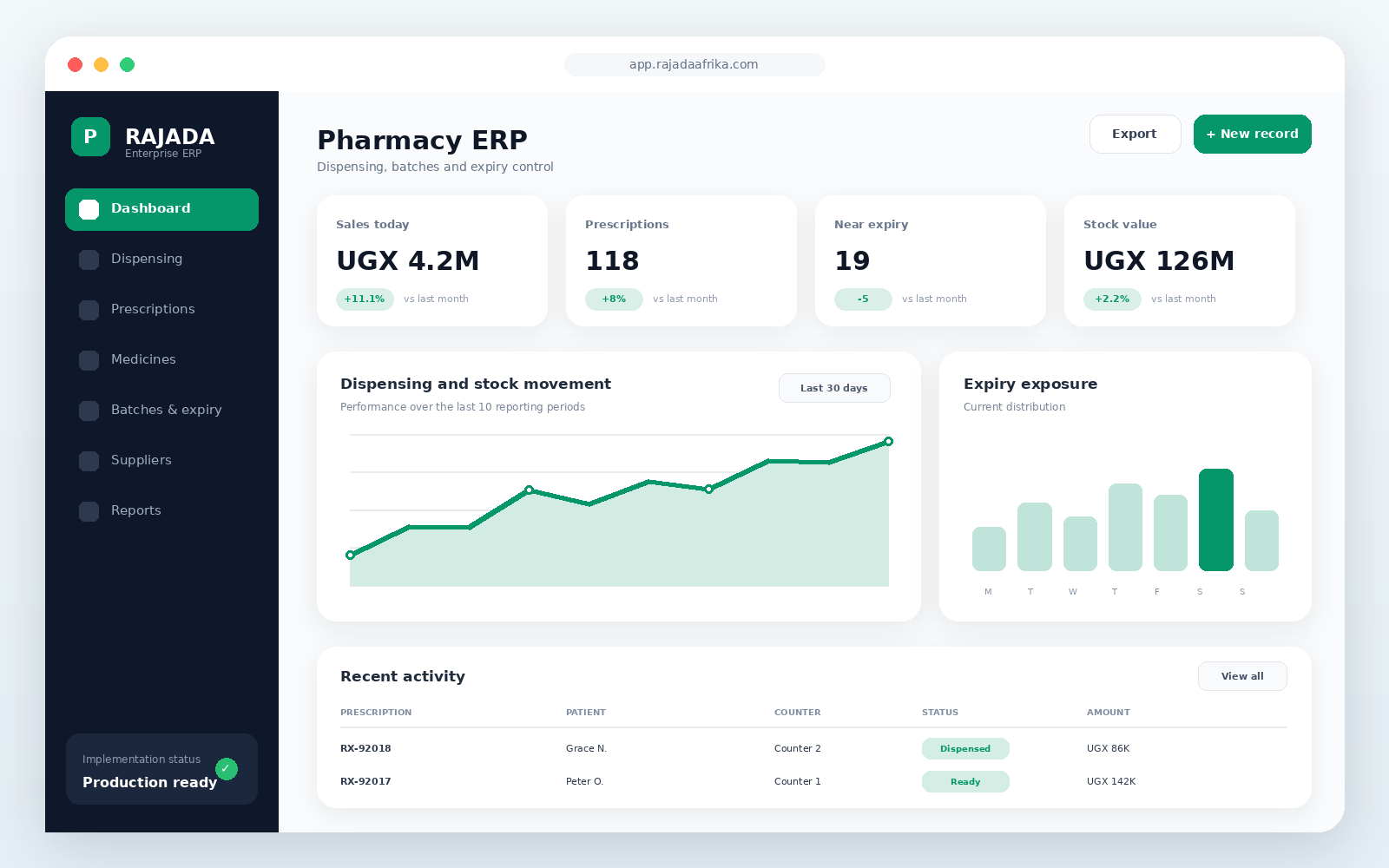 Open full-size preview ↗
Identify expired and approaching-expiry batches
Review stock quantities and inventory value
Use reorder levels to guide medicine purchases
Trace batch receipts, sales and stock movements
Track sales, gross profit and daily collections
Record expenses and review financial reports
demo RajadaDemo2026!Reduce expiries
Protect medicine traceability
Improve purchasing decisions
Retail pharmacies, wholesale pharmacies and medical stores
Role-based workflows, searchable records, approvals and management reporting are configured around this module.
Role-based workflows, searchable records, approvals and management reporting are configured around this module.
Role-based workflows, searchable records, approvals and management reporting are configured around this module.
Role-based workflows, searchable records, approvals and management reporting are configured around this module.
Role-based workflows, searchable records, approvals and management reporting are configured around this module.
Role-based workflows, searchable records, approvals and management reporting are configured around this module.
Implementation, training and ongoing support
Discuss implementationMedicine batch and expiry tracking
Prescription and dispensing workflow
Reorder levels and supplier purchasing
Sales, stock valuation and expiry reports
Choose a deployment approach that matches your infrastructure, security, integration and support requirements.
Final pricing depends on users, branches, modules, integrations, data migration and deployment.
For a single location and a small team
Request quotationFor growing operations with multiple users
Request quotationFor branches, integrations and custom workflows
Request quotationYes. Workflows, reports, permissions, branding and integrations can be configured for your organization.
Yes. Cloud, private-cloud and on-premise deployment options are supported.
Implementation can include data setup, administrator training, user training and post-launch support.
Customer comments are submitted into a moderation queue. Only approved reviews are shown publicly.
These FAQs are centrally managed and may apply to this product or the complete marketplace.
Browse by industry, review modules and videos, then use the solution builder to submit your selected products, users, branches and implementation requirements.
Yes. Workflows, roles, permissions, documents, reports, integrations and deployment options can be configured during implementation.
Deployment options depend on the selected product and implementation scope. The product page lists supported environments and the quotation confirms the final architecture.
The implementation plan can include hypercare, ongoing support, updates, monitoring, user onboarding and continuous improvement reviews.